What Is School Mode?
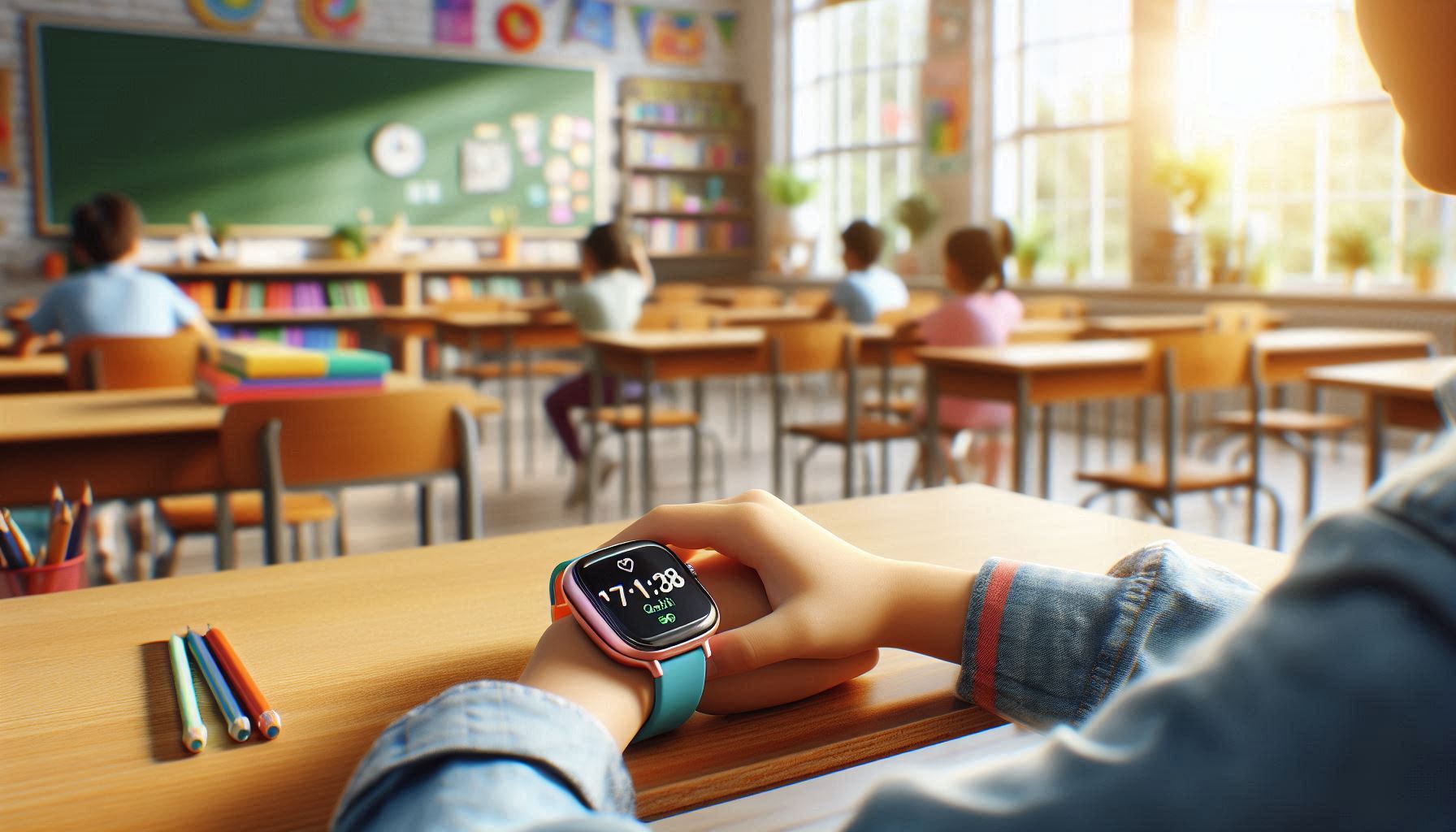
School mode is a feature that blocks the watch screen during lesson hours. The child cannot see notifications, open the menu, or play games — the watch only shows the time. This keeps teachers happy and the child focused on learning.
How to Enable School Mode
- Open the Setracker2 app
- Go to Settings → Do Not Disturb
- Add a time interval (e.g., 09:00-14:00)
- Select weekdays (Monday-Friday)
- Save — the mode activates automatically
What Stays Available in School Mode?
- SOS button — emergency call always works
- Parent call — parents can call the child
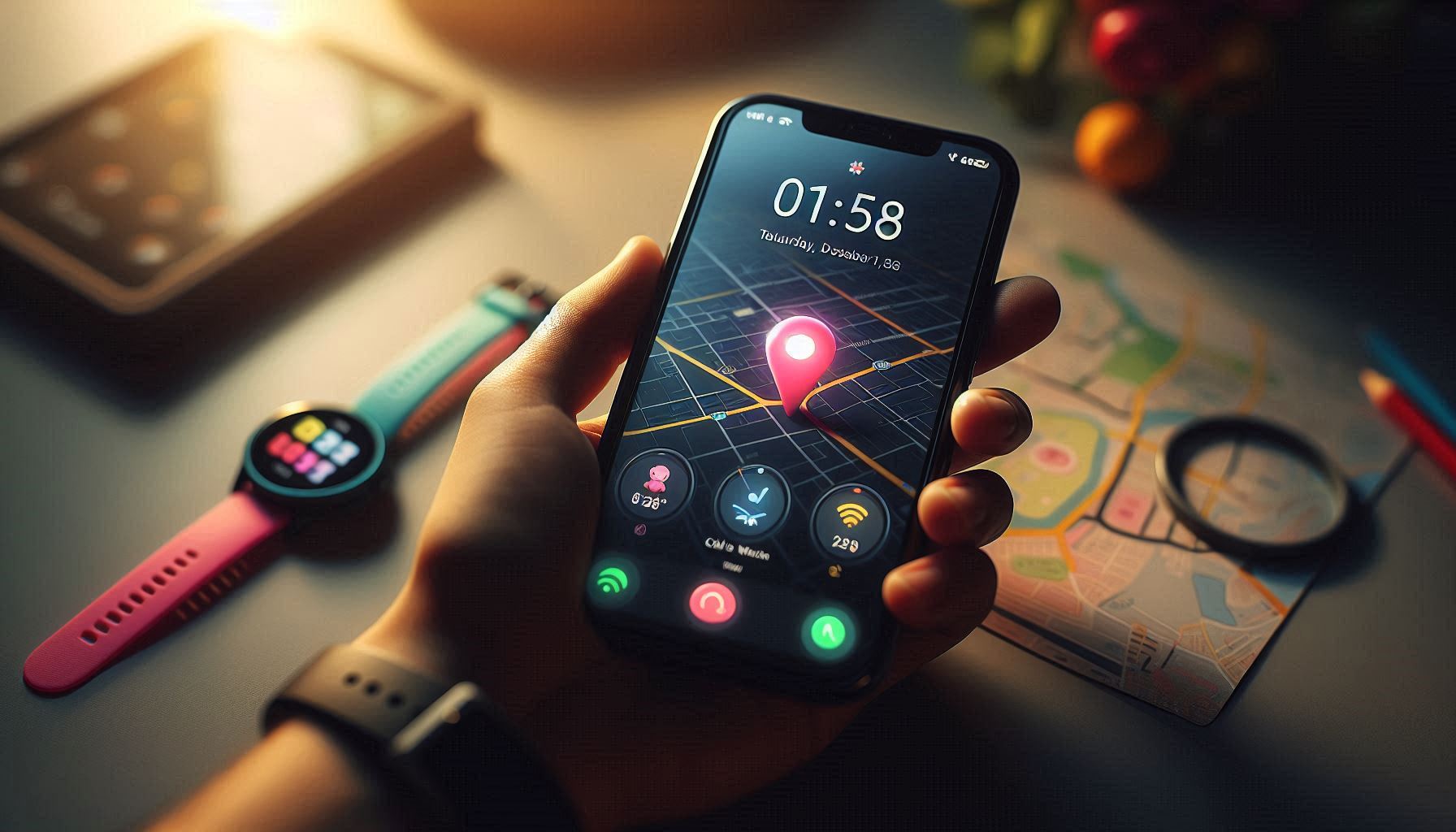
- GPS tracking — location monitoring continues in the background
All other functions — camera, games, voice messages — are blocked.
Geo-fence — School Perimeter
In Setracker2, parents set a safe zone around the school (radius 100-1000 meters). If the child leaves the zone, the parent receives an instant notification.
This is especially useful when the school is near a busy road or the child walks to school alone.
GPS History — Where Was the Child Today?
Setracker2's Footprint feature shows the child's movement history by date. Parents can see which route the child took from school to home.
Which Model for School?
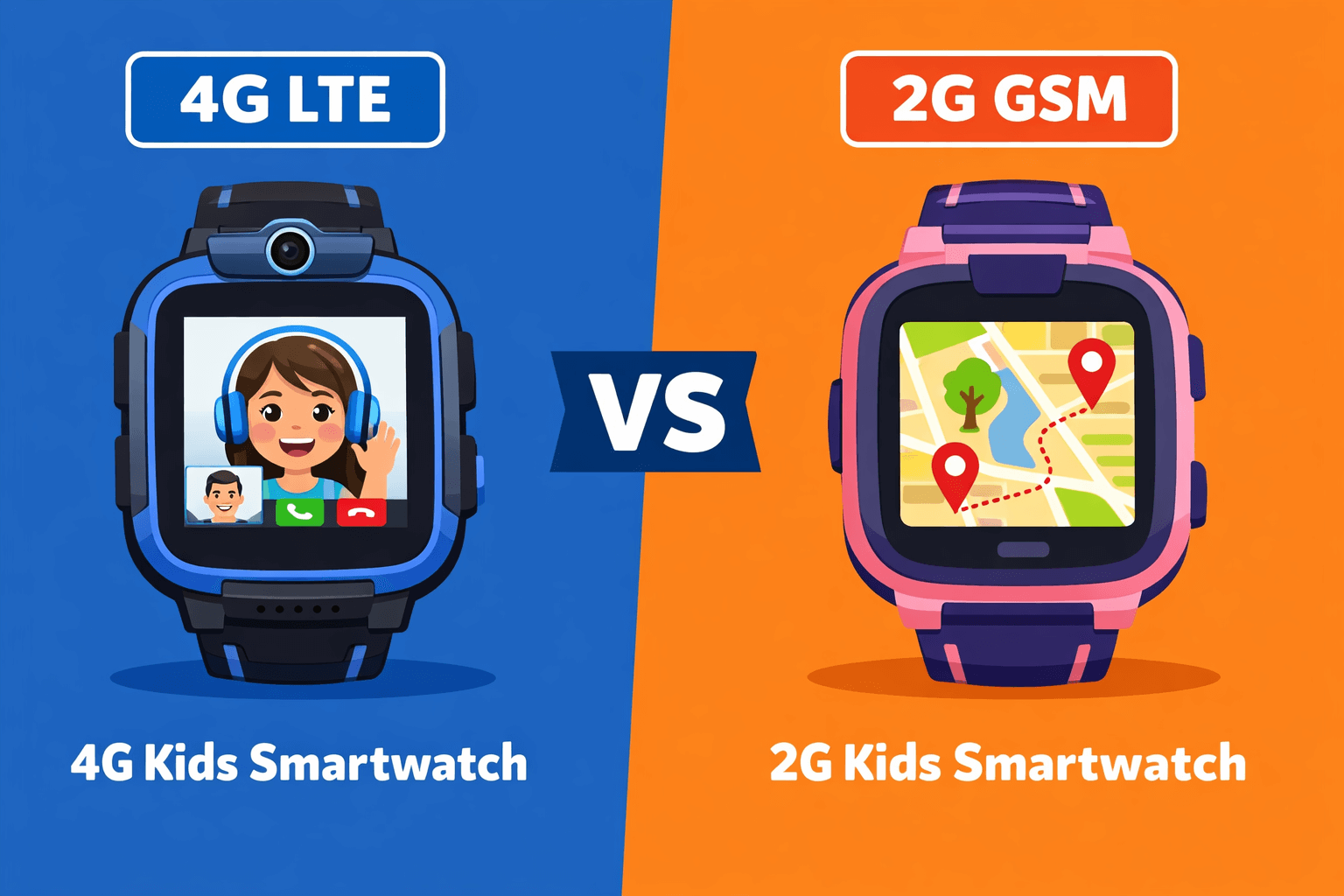
All our 4G models support school mode:
- Wonlex CT23 — compact, 4G, camera
- Wonlex CT27 — ultra-compact, lightweight
- YQT T53 — video call, large screen
- YQT T46 — video call, compact
Browse the full catalog and choose the right model for your child.